

Color Blender
Pick a colorant for both Color 1 and Color 2 to see the blend.
Heads up: Color 1 and Color 2 are different colorant types. For best results, pair similar types together — mica with mica, pigment with pigment, lake with lake.
Swatch labels show the mix ratio of Color 1 to Color 2 (for example, 3:1 means 3 parts Color 1 to 1 part Color 2).
Pick two colorants to preview how they blend together at different ratios.
- Mix similar color types together for best results, pairing micas with micas, pigments with pigments, and lakes with lakes.
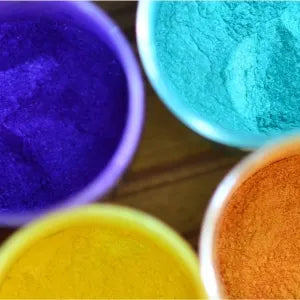
- Smaller micron micas deliver stronger color payoff, while larger micron micas add shimmer and yield less base color.
- Add your mica blend and a few drops of oil into a sealable plastic bag.
- Roll the bag thoroughly between your fingers to mix. This technique gives a quick, accurate preview of the final shade.
- On-screen renders serve as a guide only. Final physical shades may vary based on your formulation, so independent testing is required.
- Candle dyes are displayed at a 0.1% color concentration in the tool; actual shades will vary based on the concentration used in your formulation.
- Some colors react to the high pH of raw soap batter and change color during saponification, a shift the blender can't predict. Check individual product pages for notes on color.
- Water-activated dyes are excluded from our blender tool because their high concentration cannot be reliably rendered digitally.
- Mica glitters are excluded from the blender tool due to their high micron size, as blending them imparts very little actual color.
- Color Sets and other variety packs are excluded because they bundle multiple colors, so there's no single color to preview.
- Natural colors are excluded because clays and earth pigments can vary from batch to batch more than micas or pigments do, so an on-screen render could be misleading.